Tips
How to Build Your Personal Brand With a Professional Headshot
Your headshot is the first impression of your personal brand, and the easiest one to control. Here's how to get one professional photo right and use it everywhere.
 Ben LoBue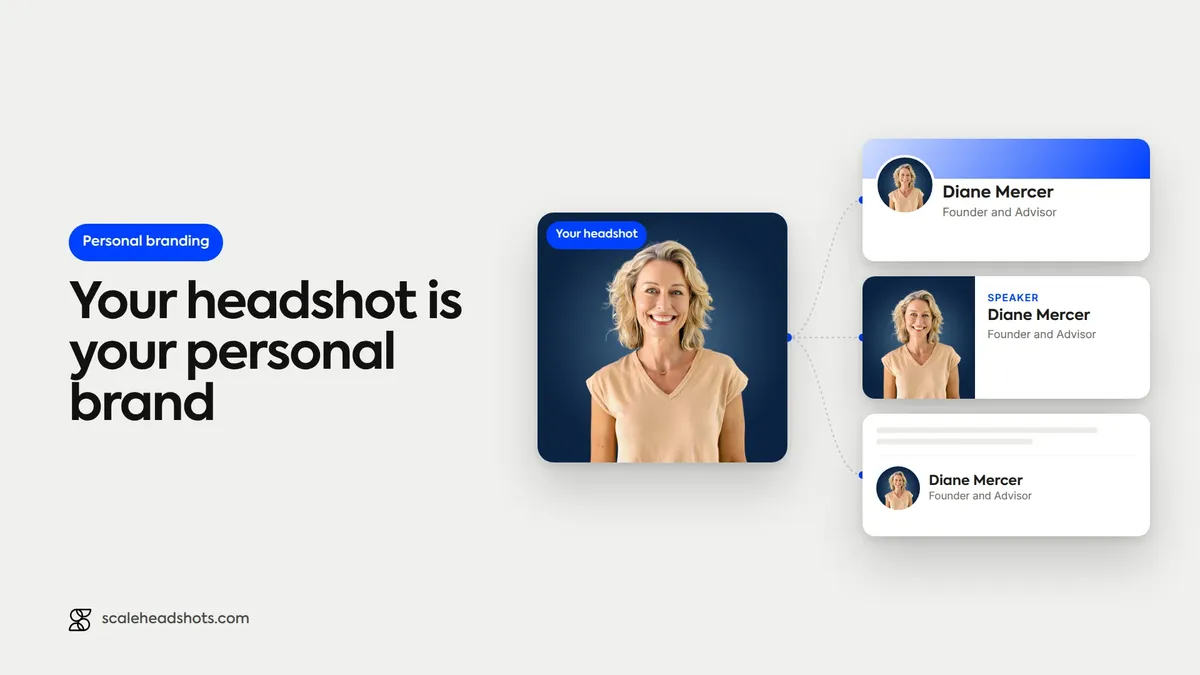
Right now, your headshot is working for you whether you're paying attention to it or not. It's on your LinkedIn profile when a recruiter searches your name, next to your comment on an industry post, in the speaker bio for that panel, on the team page a prospect pulls up before a call. In most of those moments it shows up before you say a single word.
And most people set it once, with a cropped photo from a wedding or a conference, and never think about it again. That's the opportunity. Your personal brand has a hundred moving parts you can't fully control, but the first impression almost all of them lead with is one photo, and that one is completely in your hands.
Here's how to get that photo right and put it to work everywhere, without a studio day or an AI generator inventing a version of you.
Why does your headshot matter for personal branding?
Because it's the most-seen, most-controllable piece of your personal brand. Your headshot appears on LinkedIn, in search results, in email signatures, and in every bio and profile you have, usually before anyone reads a word about you. A clear, current, professional photo signals competence and approachability and builds recognition when you use the same one everywhere. A dated or low-quality photo quietly works against you.
1. It's the first impression you don't get to explain
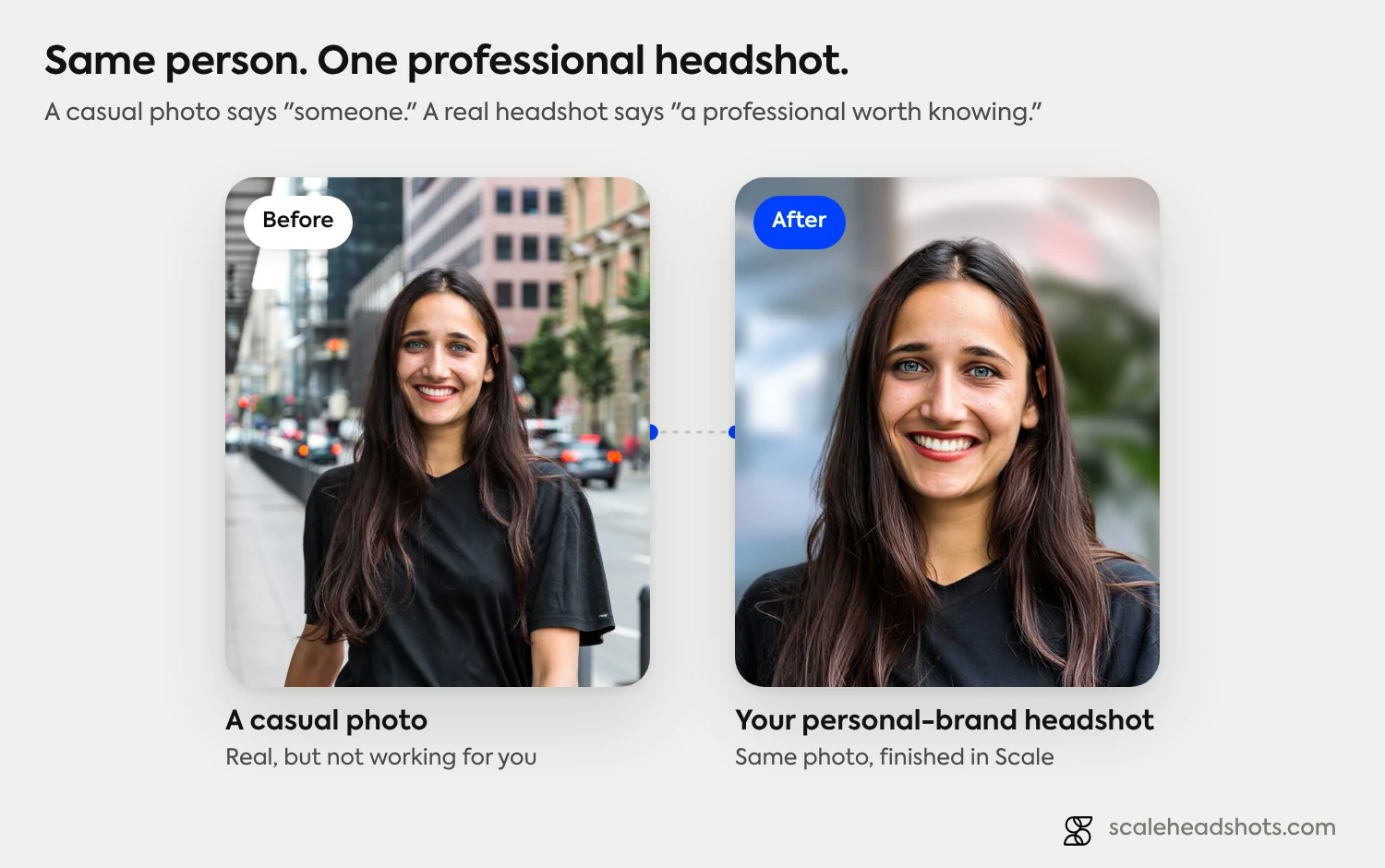
People form an impression of a face in a fraction of a second, long before they read your title or your bio. Your headshot is making that call for you on every profile you have, and you're not in the room to add context. A sharp, well-lit, friendly photo says competent and approachable. A dim, pixelated, or clearly outdated one says the opposite, fairly or not.
This is why a real, professional photo matters more than it used to. As AI-generated profile pictures spread, a clear photo that actually looks like you reads as more trustworthy, not less. You want the version of you that shows up on a good day, captured well, not a synthetic face and not a blurry crop someone has to squint at.
2. Consistency is what turns a photo into a brand
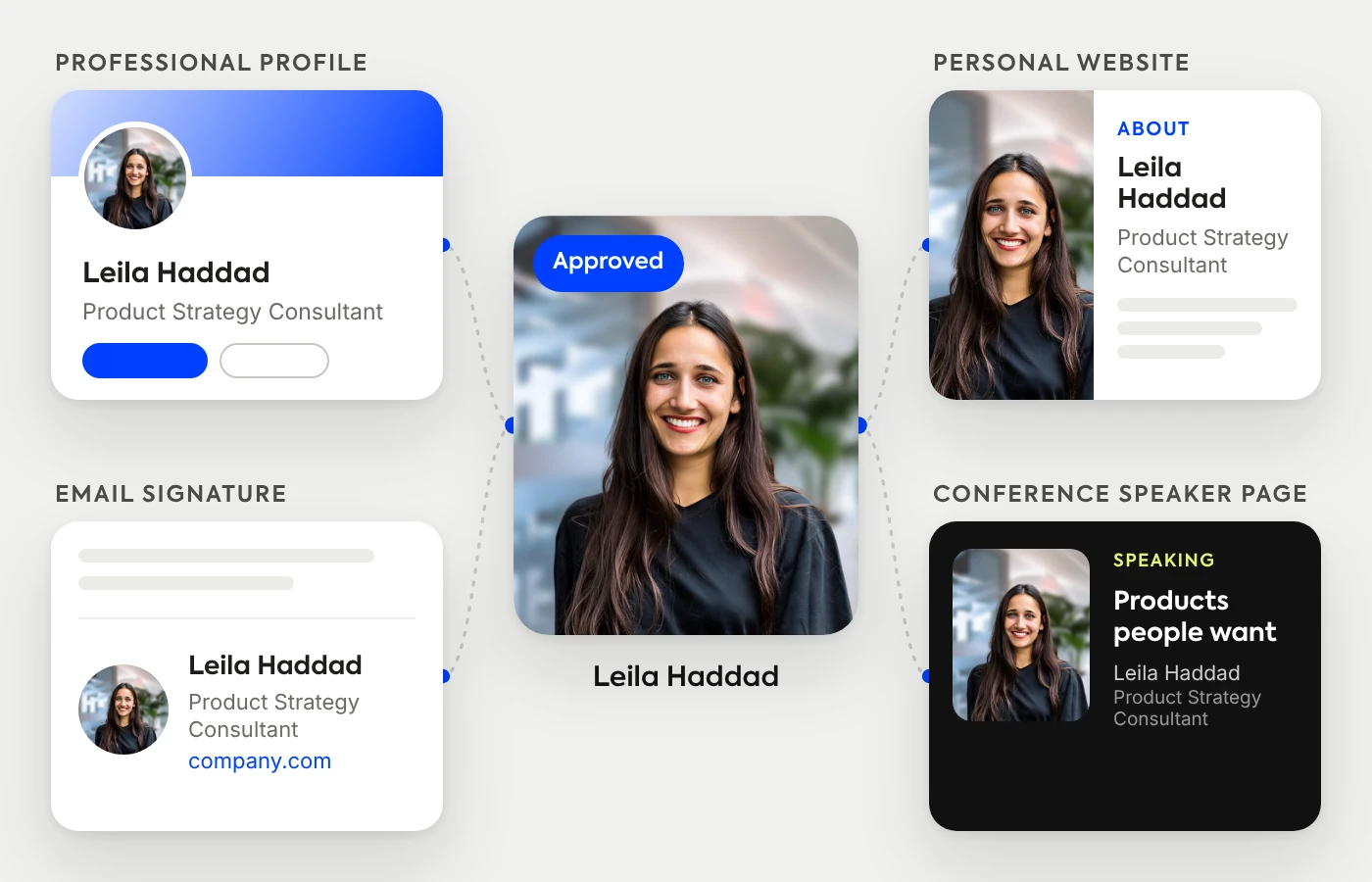
One good headshot is useful. The same good headshot, used everywhere, is a brand. When a prospect sees your photo on LinkedIn, then the same photo in your email signature, then again in the conference program, the repetition does the work: it builds recognition and a quiet sense that you're consistent and established.
The opposite also compounds. A different photo on every platform, some old, some casual, some cropped from a group shot, makes you harder to recognize and a little harder to trust. Pick one strong photo and use it as your visual signature across every profile. That single decision punches well above its weight.
What makes a strong personal-brand headshot
You don't need a dramatic photo. You need a clear, flattering, professional one that looks like you. A few fundamentals get you most of the way there.
Soft, even light on your face. Window light or an overcast day beats harsh overhead light or direct sun. This is the single biggest lever between a snapshot and a headshot. Our at-home capture guide walks through the setup.
A clean, uncluttered background. It keeps the attention on you and makes the photo work at small sizes. See the backgrounds guide for what reads well.
Attire and tone that fit your field. A founder, a litigator, and a creative director are signaling different things. Match the vibe to where you work and who you want to reach. Our industry guides break down what each field expects.
A relaxed, real expression. Look into the lens, drop your shoulders, and aim for the natural, easy expression you'd give someone you're glad to see. Our poses guide covers the details. And keep editing light: natural skin reads as authentic, heavy retouching reads as a filter.
Match the look to your field
A relaxed, approachable photo that's perfect for a creative or a coach can read as too casual for finance or law, and a buttoned-up studio look can feel stiff for a founder or a designer. Our industry guides show what each field expects for attire, background, and tone, with real examples.
See the industry guidesWhere your headshot should show up
Once you have a photo you're happy with, use it everywhere your professional self appears. The more consistent the coverage, the stronger the recognition.
LinkedIn, first. It's the highest-traffic surface for most professional brands. If you only fix one profile, fix this one. Our LinkedIn headshot guide covers capturing and uploading it, and the LinkedIn vertical guide covers the look.
Then everywhere else: your personal website or portfolio, your email signature, speaker and podcast bios, author bylines and guest posts, your other social profiles, and digital business cards. Each one is a small reinforcement of the same recognizable you.
Keep it current
A headshot has a shelf life. Refresh it every couple of years, or sooner if your look changes in a way people would notice, a new hairstyle, glasses, a beard, a different color palette. An outdated photo creates a small but real disconnect: people expect to recognize you when they finally meet in person, and a ten-year-old photo quietly undercuts that.
The friction of updating is exactly why most people don't. Make it easy on yourself so a refresh is a ten-minute task, not a project you keep postponing.
Get a personal-brand-ready headshot without a studio day
Here's the part that removes the friction. You don't need to book a photographer or a studio to get a polished, professional headshot. Capture a photo on your phone in good light, upload it, and Scale handles the finishing: it cleans up or replaces the background, balances the lighting, corrects the color, upscales the image, and gives you every format you need, square for LinkedIn, a tight crop for an email signature, full resolution for your website.
This is AI edited, not generated. The platform improves the real photo you captured. It doesn't fabricate a synthetic face, swap your outfit, or invent a person who doesn't exist, which is exactly what you want for a brand built on being recognizably you. And because the look is consistent, every time you refresh your photo it still matches the personal brand you've built. See how the finishing works on our features page, or browse real examples.
Can you use the same headshot everywhere?
Yes, and you should. Using one consistent photo across LinkedIn, your website, your email signature, and your bios is the entire point: it builds recognition and a cohesive personal brand. The only reason to keep a couple of crops on hand is format, a square for most profiles, a tighter crop for small avatars, but they should all come from the same shoot and the same look, not different photos from different years.
Do you need a professional photographer for a personal-brand headshot?
For most people, no. What actually makes a headshot work is good light, a clean background, an expression that looks like you, and consistent use, none of which requires a studio. A photo captured on a modern phone in soft light, then professionally finished automatically, clears the bar for LinkedIn and every other profile you have.
A photographer is worth it in specific cases: a high-stakes executive or press photo, or when you simply want to hand it off. But it's no longer the only path to a headshot that looks the part, which is good news if updating yours has felt like more effort than it's worth.
Frequently Asked Questions
Why does your headshot matter for personal branding?
Your headshot is the most-seen and most-controllable piece of your personal brand. It appears on LinkedIn, in search results, in email signatures, and in every bio and profile, usually before anyone reads a word about you. A clear, current, professional photo signals competence and approachability and builds recognition when you use the same one everywhere; a dated or low-quality one quietly works against you.
What makes a good personal-branding headshot?
Soft, even light on your face; a clean, uncluttered background; attire and tone that fit your field; and a relaxed, real expression with eye contact. Keep editing light so your skin looks natural rather than filtered. The goal is a clear, flattering photo that looks like you on a good day, not a dramatic or heavily retouched image.
Should you use the same headshot on every platform?
Yes. Using one consistent photo across LinkedIn, your website, your email signature, and your bios builds recognition and a cohesive brand. Keep a square crop and a tighter crop on hand for different sizes, but they should all come from the same photo and the same look rather than different images from different years.
How often should you update your personal-brand headshot?
Every couple of years, or sooner if your appearance changes in a way people would notice (new hairstyle, glasses, a beard, a different color palette). An outdated photo creates a disconnect when people meet you in person and quietly undercuts trust. Using a platform that makes updates quick keeps your photo current without it becoming a project.
Do you need a professional photographer for a personal-brand headshot?
For most people, no. Good light, a clean background, a natural expression, and consistent use matter far more than a studio. A photo captured on a modern phone in soft light and then professionally finished automatically is more than good enough for LinkedIn and every other profile. A photographer is worth it for high-stakes executive or press photos, or when you'd rather hand it off.
What should you wear for a personal-branding headshot?
Wear something that fits your field and the audience you want to reach, and that you'd be comfortable meeting them in. Solid, non-distracting colors photograph well and keep the focus on your face. A founder, a lawyer, and a creative director are each signaling something different, so match the attire and tone to your industry; our industry guides show what each field expects.
Where should you use your professional headshot?
Everywhere your professional self appears: LinkedIn first (the highest-traffic surface for most brands), then your personal website or portfolio, email signature, speaker and podcast bios, author bylines, other social profiles, and digital business cards. The more consistently you use the same photo, the stronger your recognition becomes.
Still have questions? Get in touch and we'll be happy to help!
Your personal brand, one photo
Capture a photo on your phone in good light, upload it, and Scale finishes it with a clean background, balanced light, and every format you need for LinkedIn, your site, and every bio. Real photo of you, AI edited, not generated. Update it anytime in minutes. Start free with three credits.