Tips
Professional Headshot Makeup: Do's and Don'ts
Camera lenses amplify everything, so headshot makeup is its own skill. Here's what works on camera, what backfires, and how to look like the best real version of you.
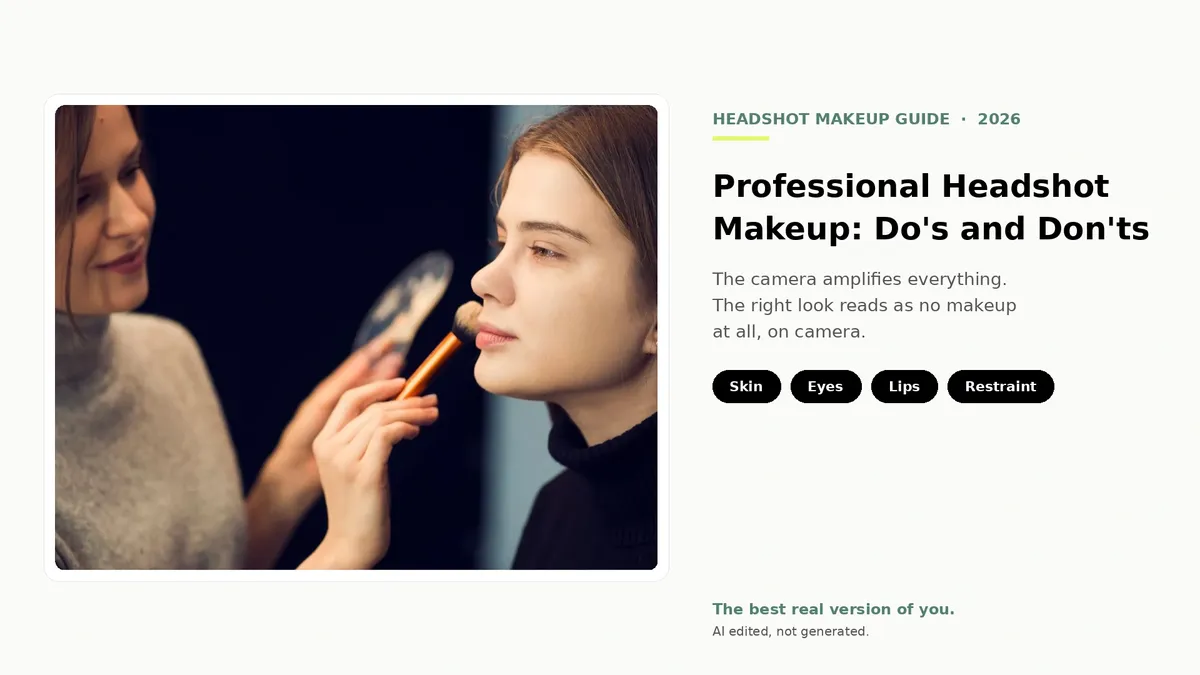
A camera lens is not a mirror. It flattens, it zooms, and under bright light or a flash it amplifies the things you'd never notice up close: a little extra shine on the forehead, a foundation line at the jaw, a shimmer that catches the light and reads as oil. That's why the makeup that looks great in the bathroom mirror can look like a lot more than you intended in a headshot.
The fix isn't to pile on more, and it isn't to swear off makeup entirely. It's to wear the kind of makeup that survives a lens: even, matte-leaning, and restrained enough that it reads as your skin on a good day, not as a layer on top of it. Done right, headshot makeup looks like no makeup at all.
Below is the full set of do's and don'ts, for any gender, plus a few things the source photo can't fix and a few things it doesn't need to. The goal throughout is the same: the best real version of you, not a different one.
What makeup should you wear for a professional headshot?
Keep it natural and matte-leaning. Start with prepped skin and an even base matched to your neck, set your T-zone to control shine, define your eyes and brows lightly with neutral tones, and keep your lips close to their natural color. Skip shimmer, heavy contouring, and bold lips. The aim is polished, even skin that looks like you, because the camera amplifies anything heavier.

The camera changes the rules
Everyday makeup is built for how you look to another person across a room or a desk. Headshot makeup is built for a sensor that captures far more detail than a human eye and then displays it at two very different sizes: tiny, as a profile thumbnail, and large, when someone clicks in to look closer.
Detail gets amplified. A modern camera resolves texture, shine, and color shifts that nobody sees in conversation. Glitter and shimmer that look subtle in person turn reflective and read as oily. A foundation that's half a shade off looks fine to the eye and obvious on screen.
Light is unforgiving. Bright, even lighting (the kind that makes a good headshot) also reveals every bit of buildup, every crease where product has settled, every patch of shine. The flatter and brighter the light, the more a matte, well-blended base pays off.
So the rule of thumb is simple: aim for skin that looks like skin, define your features just enough to keep them from washing out, and stop there. Everything below is in service of that.

Do: start with skin prep, not makeup
The best headshot makeup starts before any makeup goes on. Clean skin, a layer of moisturizer, and a primer give you a smooth, hydrated canvas, which is what lets a thin base blend evenly and stay put instead of separating or settling into lines over a few hours of shooting.
Lean matte, not dewy. A dewy, glowy finish that looks fresh in person tends to read as shine, or even sweat, once a lens and bright light get involved. A natural-matte or satin finish photographs cleaner. If your skin runs dry, hydrate well underneath and keep the finish balanced rather than glossy on top.
One quiet trap: SPF flashback. Many primers and foundations contain SPF, and certain sunscreen ingredients can reflect a camera flash and leave a pale, ashy cast on your face that you won't see until you review the shots. If you're shooting with flash, test your products on camera first, or use a flash-free, window-lit setup like the one in our at-home headshot guide.
Do: match your foundation to your skin and your neck
The single most common makeup mistake in headshots is a base that doesn't match. Test foundation along your jaw in natural light and choose the shade that disappears into both your face and your neck, not the one that looks brightest in the store. A face that's a different color from the neck is glaring on camera.
Keep coverage light and buildable. You want an even tone, not a full mask. Use concealer only where you need it (under the eyes, on a blemish, around redness) and blend the edges out. Then set your T-zone, the forehead, nose, and chin, with a light dusting of translucent powder. That's where shine shows up first under bright light, and a thin layer of powder keeps it in check without going cakey.
Different industry, different expectations
A polished, slightly more defined look that's perfect for a creative or client-facing role can read as too done for a hospital, a courtroom, or a finance team, where the expectation skews minimal. Our industry guides break down what each field expects for grooming, attire, and overall tone, with real examples.
See the industry guidesDo: define your eyes and brows, lightly
Your eyes are where a viewer's attention lands first, so a little definition goes a long way. Stick to neutral shades, taupe and soft browns, that add depth without announcing themselves. Skip anything vibrant, frosty, or glittery; those finishes catch the light and pull focus from your expression.
A thin line of liner close to the lash line makes your eyes look more awake and defined without reading as a dramatic look. Use a mascara that lengthens and separates rather than clumps, and one coat is usually plenty for a photo.
Don't skip your brows. Well-groomed brows, filled in lightly where they're sparse, frame your whole face and give it structure. They do quiet, important work in a headshot, so a couple of minutes here is worth more than most people expect.
Do: keep lips and cheeks close to natural
For lips, the safest and most flattering choice is a shade close to your own, in the your-lips-but-better range. Exfoliate and hydrate first so color goes on smooth and even, with no dry patches that the camera will find. A satin or natural finish beats a high-gloss one, which can look wet on camera, and a heavy matte one, which can look flat and drying.
A touch of blush brings warmth back to your face, which matters because bright, even lighting tends to wash color out. Place it on the apples of your cheeks and blend it up toward the temple, keeping it soft. The goal is a healthy flush, not a visible stripe of color.

Don't: the five things that backfire on camera
Most headshot makeup regrets come down to the same handful of choices. Each of these looks fine in the mirror and works against you under a lens.
1. Heavy, cakey layers. More coverage doesn't read as flawless on camera; it reads as a mask, especially when the lens zooms in. Thin and even always beats thick and full.
2. Shimmer, glitter, and highlighter. Reflective finishes catch light and photograph as shine or oiliness. Save the glow for occasions that aren't being captured at high resolution.
3. Over-contouring. Sculpting that looks defined in person can turn into muddy gray shadows under flat, bright light. Keep any contour very soft, or skip it.
4. Lips that are too dark or too bright. A bold lip pulls focus straight off your eyes, which are what you want a viewer connecting with. Keep lips in a natural range.
5. Heavy SPF or powder buildup. SPF can flash back pale on camera, and too much powder creases and emphasizes texture over a few hours. Use a light hand and reset by blotting rather than re-powdering.
Grooming and shine control, whatever your routine
None of this is only for people who wear a full face of makeup. If your routine is minimal or nonexistent, a few small steps still make a real difference on camera, and they're the same steps a professional retoucher would wish you'd done before the shutter clicked.
Control shine. The forehead, nose, and chin pick up light and photograph glossy, so blot with a tissue or a blotting paper right before you shoot, and add a whisper of translucent or tinted powder if shine is stubborn. Groom your brows so they're tidy and even. A small amount of concealer can quietly even out a blemish, redness, or under-eye shadows without looking like makeup at all. Keep lips from looking dry with a little balm, then blot so they're not shiny. None of this changes how you look; it just keeps the camera from exaggerating the things you'd rather it didn't.
Going makeup-free is a completely valid choice
There's no rule that a professional headshot requires makeup. A clean, bare face can read as confident and authentic, and for plenty of people and plenty of roles it's exactly right. If that's your call, the prep still matters: hydrate your skin, blot away shine before you shoot, and lean on good, soft lighting to do the flattering work that makeup would otherwise do.
Whichever way you go, the bar is the same. Your headshot should look like you on a good day. Makeup is a tool for getting there on camera, not a requirement and not a disguise.
What the camera can fix later, and what it can't
Here's the part that takes the pressure off. A lot of what people reach for makeup to fix isn't a makeup problem at all, it's a lighting and color problem, and that's solvable after the photo is taken. When you upload a capture to Scale, the platform balances the lighting, corrects the color, cleans up or replaces the background, and upscales the image, then outputs it in every format you actually use. So you don't need a heavier base to compensate for a dim room or a yellow bulb.
What it won't do, on purpose, is repaint your face. This is AI edited, not generated. We work with the real photo of you that you captured. We don't airbrush you into someone else, smooth you into plastic, or invent a version of you that doesn't exist. That means the makeup choices you make still show up in the final image, which is exactly why getting them right at capture is worth a few minutes. You dress up and prep how you want to, you take the photo, and the platform improves the photo without changing who's in it.
It also solves the team version of this problem. When 40 people each capture a headshot in their own light, with their own routine, you get 40 mismatched photos. Run them through the same platform and they come back as one consistent set. See how the finishing works on our features page, or check pricing for the per-credit cost (you get three free credits to start).

Should you hire a makeup artist for a headshot?
For most people, no. The natural, restrained look a headshot calls for is well within reach on your own, and the steps above cover the vast majority of what a pro would do. If you're comfortable with a light, even base and you can control shine, you'll get a result that holds up.
A makeup artist earns their fee in a few specific cases: a high-stakes executive or press photo where every detail counts, a large team shoot where one artist keeps everyone consistent, or simply when you'd rather hand it off and not think about it. If you do book one, tell them it's for a headshot and ask for a natural, camera-ready look. The brief matters, because a glam look built for an event is the opposite of what a headshot needs.
Do you need different makeup for a headshot than for everyday?
Slightly, yes. The direction is counterintuitive: a headshot usually calls for a touch more definition on the eyes and brows so your features don't wash out under bright light, but a more matte, more restrained finish overall than you might wear day to day. Bright, even lighting flattens features and reveals shine, so you compensate by defining a little and shining a little less.
The other difference is testing. For a headshot, it's worth doing a quick camera check before the real shots, because the lens will show you things the mirror won't. Take a test frame, look at it large, and adjust. If you're capturing on a phone, our iPhone headshot guide walks through the settings, and our headshot poses guide covers the expression side.
Frequently Asked Questions
What makeup should you wear for a professional headshot?
[object Object]
Should headshot makeup be matte or dewy?
[object Object]
Do men need makeup for a professional headshot?
[object Object]
What makeup should you avoid in a headshot?
[object Object]
Should you wear makeup for a headshot at all?
[object Object]
Do you need a different look for a headshot than for everyday makeup?
[object Object]
Can editing fix makeup or skin issues after the photo is taken?
[object Object]
Still have questions? Get in touch and we'll be happy to help!
One photo, every format you need
Prep your skin, keep it natural, and take the shot. Then upload it, and Scale finishes it with balanced light, corrected color, a clean background, and every output format you use: square for LinkedIn, transparent PNG for badges, a signature crop for email. Real photo of you, AI edited, not generated. Start free with three credits.