Tips
Headshot Instructions for Employees: What to Send Your Team
The request goes out as one line in Slack, and the photos come back as nine different things. Here are two messages you can copy and send, and what to expect once your team starts submitting.
 Ben LoBue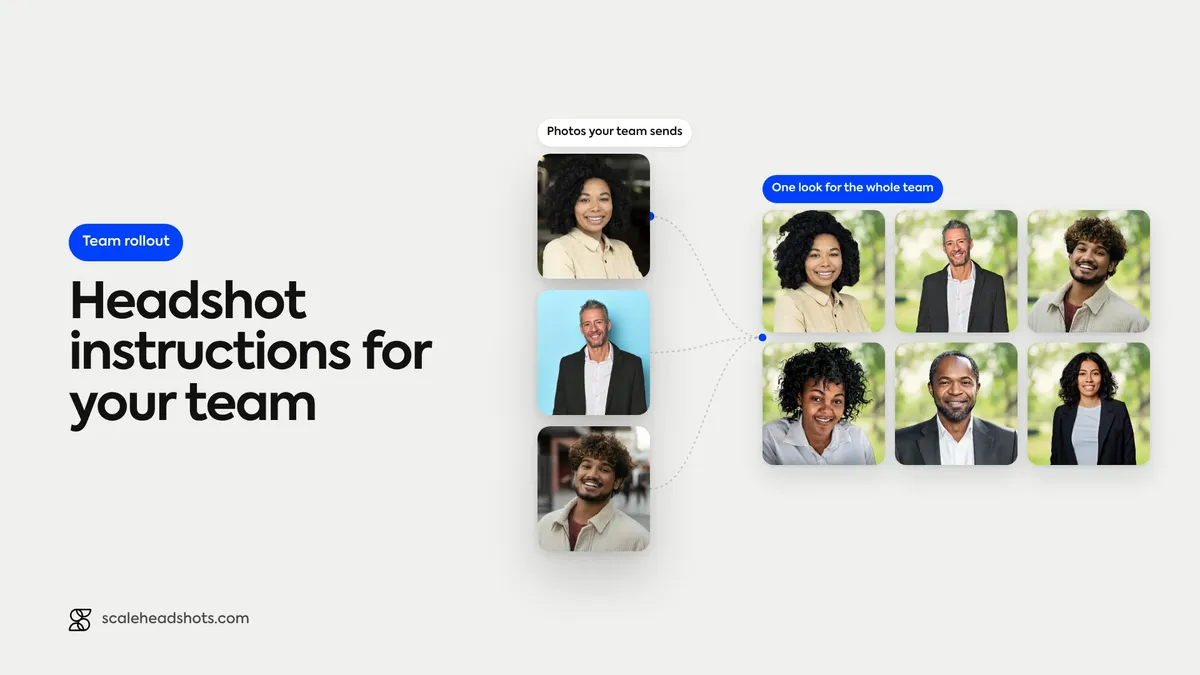
The request usually starts as one line in Slack: can everyone send me a nice photo for the website? What comes back is a different story. A cropped group shot from a wedding. A selfie taken in a parked car. IMG_4471.heic, attached in a format the recipient can't always open. A LinkedIn portrait from 2019, and a few people who never reply at all. Nobody did anything wrong. Nobody was told what a usable photo looks like.
That gap is the real job. Whoever owns the headshot project (HR, people ops, an office manager, sometimes marketing) ends up chasing and re-asking, and trying not to come across as a nag. One clear message, sent once, with the steps, the attire note and the deadline in it, fixes most of that. Below are two you can copy: one for teams shooting on their own phones, one for teams running headshots through Scale. After them, what happens once the photos start coming in.
What should headshot instructions for employees say?
Tell employees five things: where the photo will be used, how to capture it (soft window light, a plain background, the phone at eye level, framed from the chest up), what to wear (a solid, mid-tone top they would wear to a work meeting), who gets it by when, and what happens after they submit. Send it as one short message, not a PDF. Ready-to-paste versions are below.
What should a headshot request to employees include?
Five things, and nothing else. People read the first screen of a message and skip the rest, so every line has to earn its place.
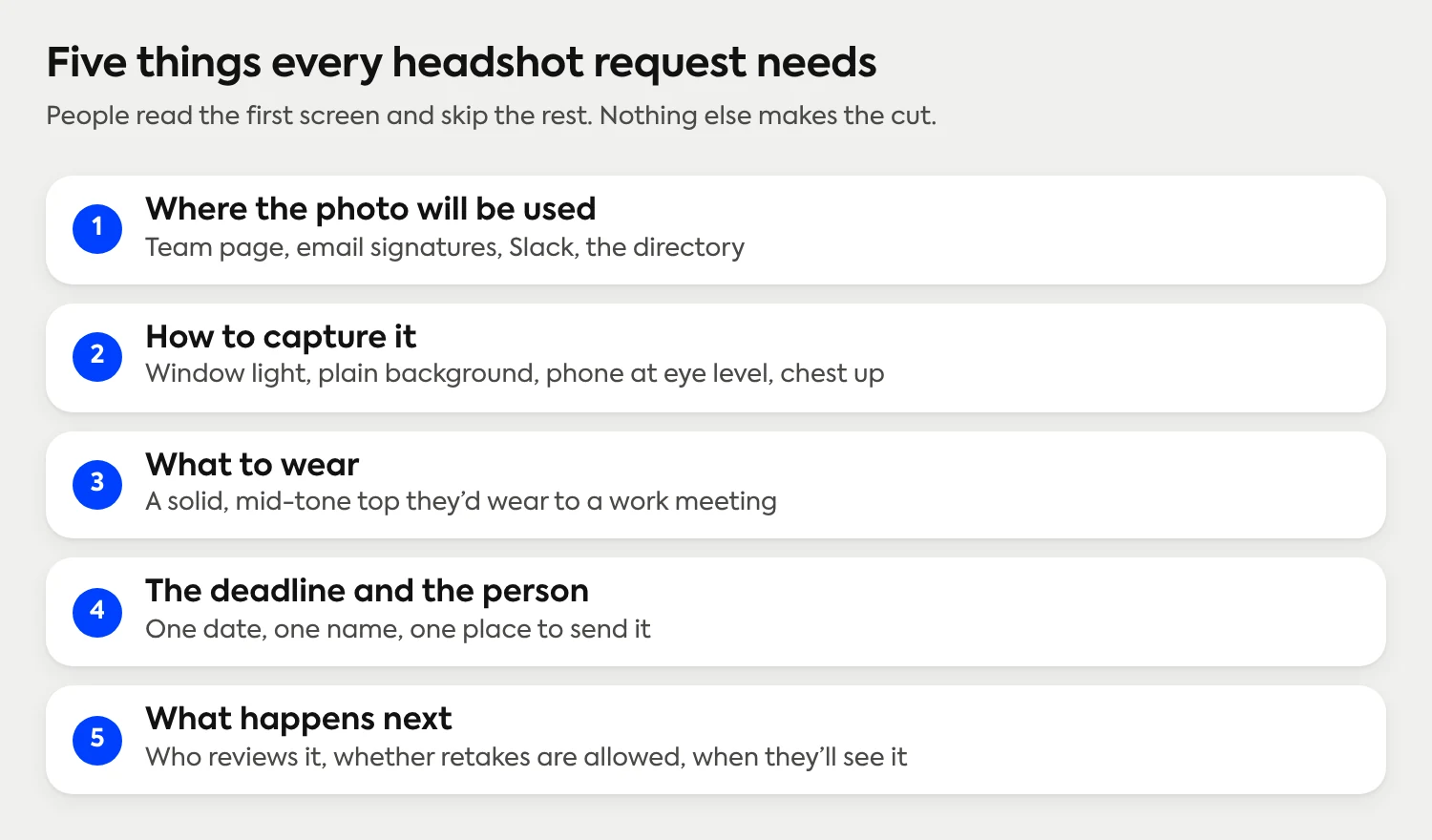
Where the photo will be used. The team page, email signatures, Slack, the directory. It answers the first question anyone has.
How to capture it. Window light, a plain background, the phone at eye level, framed from the chest up. Three or four lines, not a manual.
What to wear. One sentence: a solid, mid-tone top they would wear to a work meeting. The color and fit basics cover the reasoning if someone wants it.
The deadline and the person. One date, one name, one place to send it.
What happens next. Whether someone reviews the photo, whether a retake is allowed, and when they will see the result.
Leave out everything else. A second document, a style guide and a list of poses all lower the chance anyone finishes the first step.
What can you copy and send if your team shoots on their own phones?
If you are collecting photos once from a small team, this is the whole job. It uses nothing but the phone each person already owns. Replace the brackets and send it.
Copy from here:
Subject: Your headshot for [the team page], due [date]
Hi team,
We're collecting a headshot from everyone for [the team page, email signatures and Slack]. Please send yours to [name] at [email or channel] by [date]. Here's how to get a good one with the phone you already have:
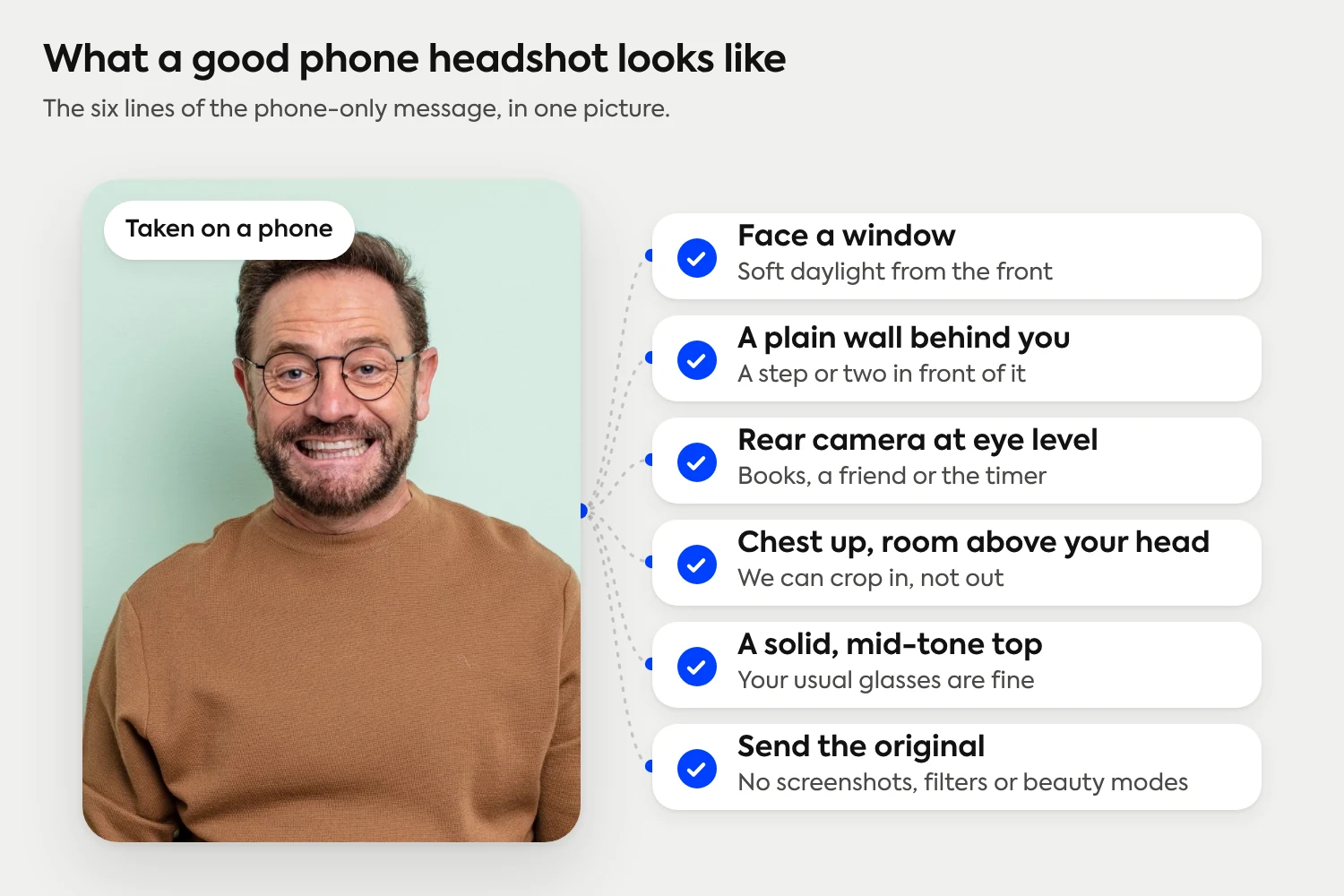
Face a window. Soft daylight from the front is the best light you can get. Skip overhead lights, and never stand with a window behind you.
Stand a step or two in front of a plain wall or an uncluttered corner. A simple background keeps the focus on you.
Use the rear camera, not selfie mode, with the phone at eye level. Prop it on a stack of books or ask a friend, and use the timer if you're on your own.
Frame yourself from the chest up, with a little room above your head and on both sides. We can crop in later, but we can't add what isn't in the photo.
Wear a solid, mid-tone top you'd wear to a work meeting, and keep your usual glasses. Skip busy patterns and big logos.
Look at the lens, relax your shoulders, and take plenty of shots. Send the one that looks most like you on a good day.
Send the original photo, not a screenshot, and turn off filters and beauty modes.
Thanks, [your name]
Copy to here.
A note for you as the sender: step 4 is the one people get wrong, so keep it even if you trim the rest. A photo framed too tight can't be fixed later, and one framed too far back leaves a small face in a big room.

If someone asks for more detail, the at-home setup walkthrough and the phone camera settings and framing tips cover each step in depth, and the guide to backgrounds helps anyone whose only wall is busy.
One caveat. Each person's window, wall and phone are different, so what comes back will have different light, crops and backgrounds even when everyone followed the message. That is the limit of instructions, and it is why the last section of this post covers when to stop relying on them.
What can you copy and send if you run headshots through Scale?
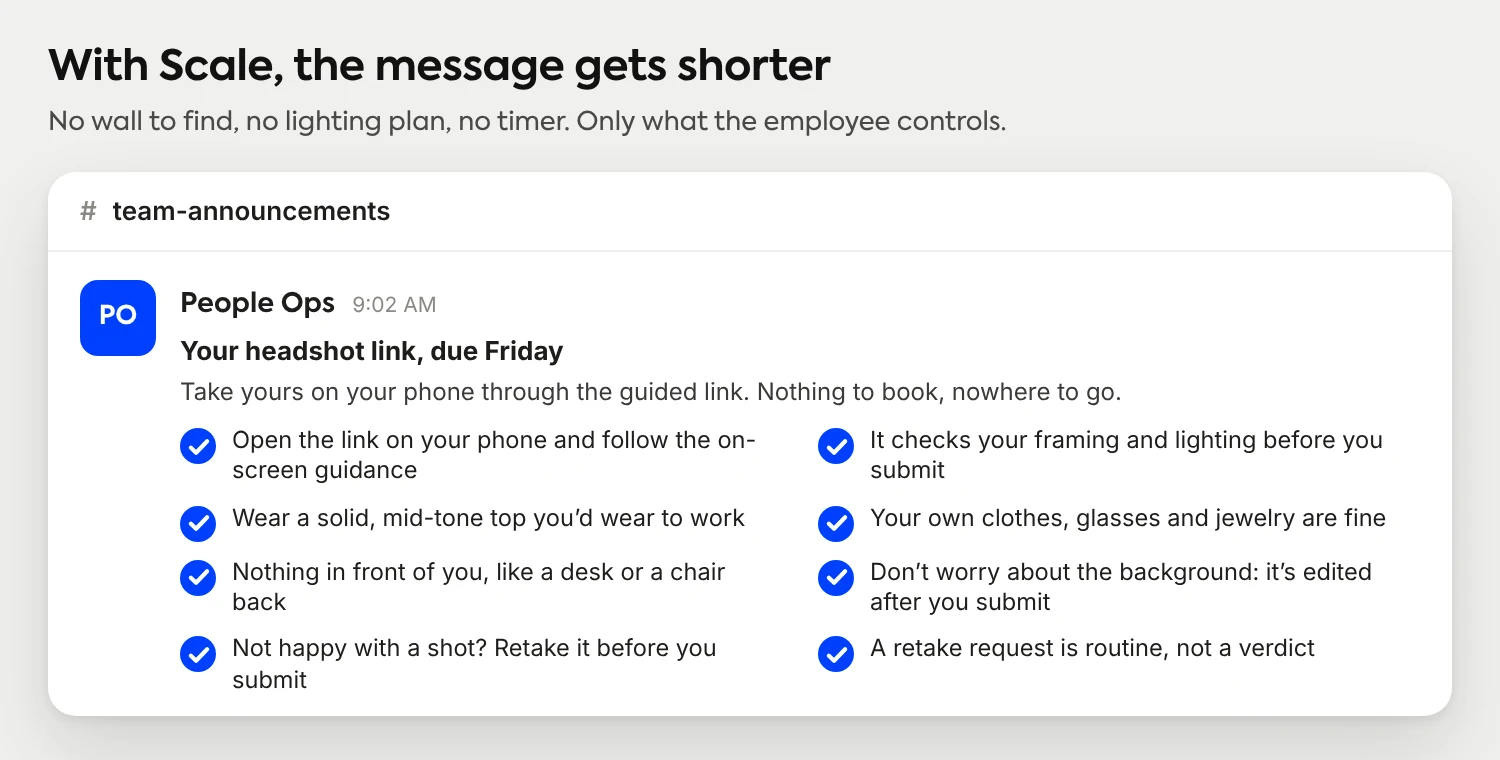
With Scale, the message gets shorter, because the platform does the parts you would otherwise have to explain. You invite your team by email, CSV upload or a shareable link. Each person opens a guided capture link on their phone and gets live guidance on framing and lighting before they submit. Afterward, AI edits the photo itself: background, lighting, framing and upscaling. Scale is AI edited, not generated, so what comes back is still a real photo of the employee, professionally finished automatically and matched to the rest of the team.
Setup is free, and the three free credits you get on signup are enough to run the capture yourself before you send it to anyone. Then copy this:
Copy from here:
Subject: Your headshot link, due [date]
Hi team,
We're collecting headshots for [the team page, email signatures and Slack]. You take yours on your phone through a guided link, so there's nothing to book and nowhere to go. Your link is [link]. Please finish by [date].
Open the link on your phone and follow the on-screen guidance. It checks your framing and lighting as you go, before you submit anything.
Wear what you'd wear to a work meeting, ideally a solid, mid-tone top. Your own clothes, glasses and jewelry are fine.
Face the camera with nothing in front of you, like a desk or a chair back. Don't worry about the background: it, the lighting and the crop are edited after you submit, so everyone's photos match.
Not happy with a shot? Retake it before you submit.
Submit when you like it. If a photo needs another try, you'll be asked to retake it. That's routine, not a verdict.
It's still a real photo of you. The edits are to the background, lighting and framing, never to you.
Questions? Ask [name]. Thanks, [your name]
Copy to here.
Send it with the invitation, not after the first few photos come back. The platform handles invites and reminders, so you only write the message once. Notice what is missing compared with the phone-only version: no wall to find, no lighting plan, no timer. The instructions that are left are the ones only the employee controls, which is what to wear and whether they open the link.
What happens after your team submits?
For the employee, the process ends at submit. The admin's side is a review step: approve a photo, reject one that can't be used, or request a retake when the lighting or framing is off. The clip below shows that step.
What happens after your team submits: an admin approves a headshot, rejects it, or requests a retake.
Up to four retakes are included on each submission, so a retake request is an ordinary step in the process, not a failure and not an extra cost. Approved headshots come back in every format your team uses, and they can also go out through the REST API and webhooks if you want them delivered straight into other systems.
How do you get everyone to actually send their photo?
The message does most of the work. The follow-through is small:
Send it once, with one date and one name. A deadline with a person attached gets answered. A deadline with no one to answer to gets ignored.
Decide your standards before the photos arrive. Face visible, eyes open, one person in frame, no sunglasses, no filters. If you reject a photo, you want the reason ready. The six variables worth writing down is a good checklist for what to hold constant.
Send one reminder, then follow up one to one. If you use a platform, the reminders go out for you.
When do written instructions stop being enough?
Instructions control what the employee does. They don't control the room, the phone or the afternoon the photo was taken. For a handful of people shooting once, that is fine. It stops being fine in a few predictable situations:
The team is spread out. Fifteen homes means fifteen kinds of light and wall. The remote team walkthrough covers how distributed companies handle it.
People join all year. The message has to be found, resent and explained again for every new hire.
Someone has to say no. Telling a coworker their photo can't be used is the awkward part of the job. In a review queue, the admin approves it or requests a retake, and no one has to write the delicate email.
The photos have to match. Crops, backgrounds and light are the three things written instructions can't hold constant, and they decide whether a team page looks like one team.

Ready to send this to the whole team?
Scale gives every employee a guided capture on their phone and gives you one review queue for the whole team.
How a team rollout worksFrequently Asked Questions
How do you tell employees to take a headshot?
Send one short message with the link or the address to send photos to, a deadline, and four capture steps: window light, a plain background, the phone at eye level, and framing from the chest up. Add one line on what to wear and say where the photo will be used.
What should employees wear for a company headshot?
A solid, mid-tone top they would wear to a work meeting, such as navy, burgundy, charcoal or forest green. Skip busy patterns, large logos and anything shiny, and keep everyday glasses and jewelry. The same note works whether the team shoots on their own phones or through a platform.
Can employees take their own headshots on a phone?
Yes. A current phone has more than enough resolution, and what matters is the light, the background and the framing. Face a window, stand in front of a plain wall, put the phone at eye level and frame from the chest up. Expect some variation between people unless a platform standardizes the results.
What happens if an employee's photo isn't usable?
The admin requests a retake, and the employee tries again. With Scale there are up to four retakes included on each submission, so a retake request is a normal step rather than a rejection.
Do employees need a special background or lighting?
Not with Scale. The guided capture gives live feedback on framing and lighting, and the background, lighting and crop are edited after submission. Without a platform, a window and a plain wall make the biggest difference.
How much does it cost to collect headshots from a team?
Scale is free to set up, and credits start at $25 per headshot. You get 3 free credits on signup, and there are no subscriptions or contracts.
Still have questions? Get in touch and we'll be happy to help!
Send one message, get a consistent set
Your team captures their own photo on their phone, and Scale edits it into one consistent set: AI edited, not generated, and professionally finished automatically. You write the message once, review the results in one place, and request retakes without writing a single awkward email.