Industry Guide
Guide to Nonprofit & Association Headshots
For a mission-driven organization, trust is the entire currency. This guide covers how nonprofits and associations get consistent, professional headshots across staff, boards, and chapters, on a budget, without booking a single photographer. AI edited, not generated.
Why Headshots Matter for Nonprofits & Associations
For a mission-driven organization, trust is the entire currency. A donor deciding where to give, a funder reviewing a grant proposal, a prospective member weighing whether to join, all of them are making a judgment about the people behind the work. Long before they read your impact numbers, they're looking at faces: a staff page, a board listing, an annual report, a LinkedIn profile. The photo answers the quiet question every supporter is asking: are these the people I want to stand behind?
That makes headshots a different kind of asset for a nonprofit or association than they are for most businesses. They're not decoration on an About page. They sit at the exact moment of evaluation, on the surfaces where credibility and connection get won, and where a tight budget is always part of the equation.
Organizations usually feel this in one of a few trigger moments:
The annual report goes to design, and half the staff photos are missing or mismatched, with a deadline already set.
A new executive director or board chair comes on, and the leadership page suddenly looks like a patchwork of selfies and decade-old portraits.
A board refreshes after an election cycle, and six new directors need photos that match the rest, while every director is scattered across the city or the country.
And it usually lands on one person. Not a creative director, but a communications manager, a development associate, a membership coordinator, or an operations lead who inherited the headshot problem because nobody else had time. They're worried it's going to be expensive, and every dollar is accountable to a board or a funder. They're worried it's going to eat weeks they don't have. They're worried about chasing busy staff and volunteer board members who serve in their spare time.
This guide is for that person. We'll cover what professional nonprofit and association headshots actually look like, why coordinating them across staff and boards is harder than it should be, what your options really cost, and how organizations from small community nonprofits to national associations are leveling up their branding without blowing a budget or booking a single photographer.

Who This Guide Helps
Charitable & Community Nonprofits
Service, advocacy, and community organizations where every staff and board photo is a trust signal to donors and the people you serve.
Foundations & Grantmakers
Program and leadership teams whose photos appear in reports, on grantee-facing pages, and across the philanthropic community.
Professional & Trade Associations
Member-facing staff and elected leadership who represent the organization across chapters, conferences, and events.
Membership & Advocacy Organizations
Distributed teams and volunteer boards that need to look like one cohesive organization everywhere they show up.
What Professional Nonprofit Headshots Look Like
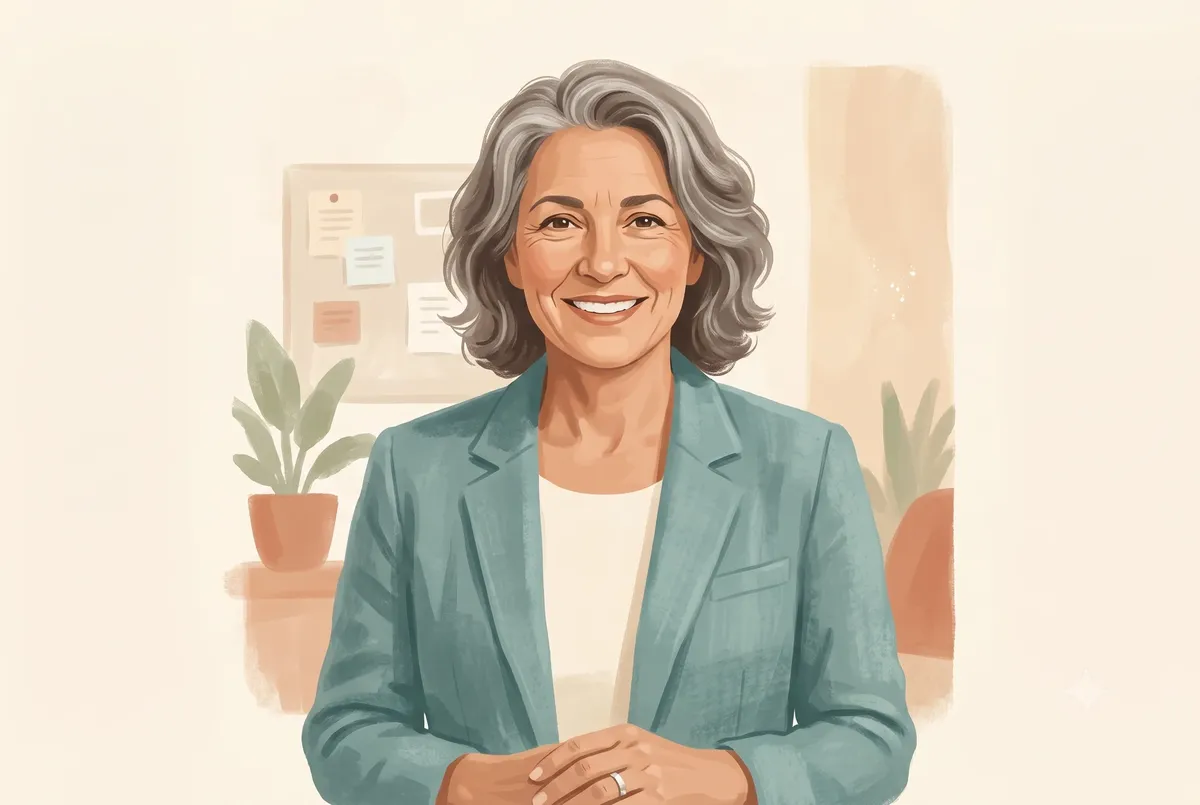
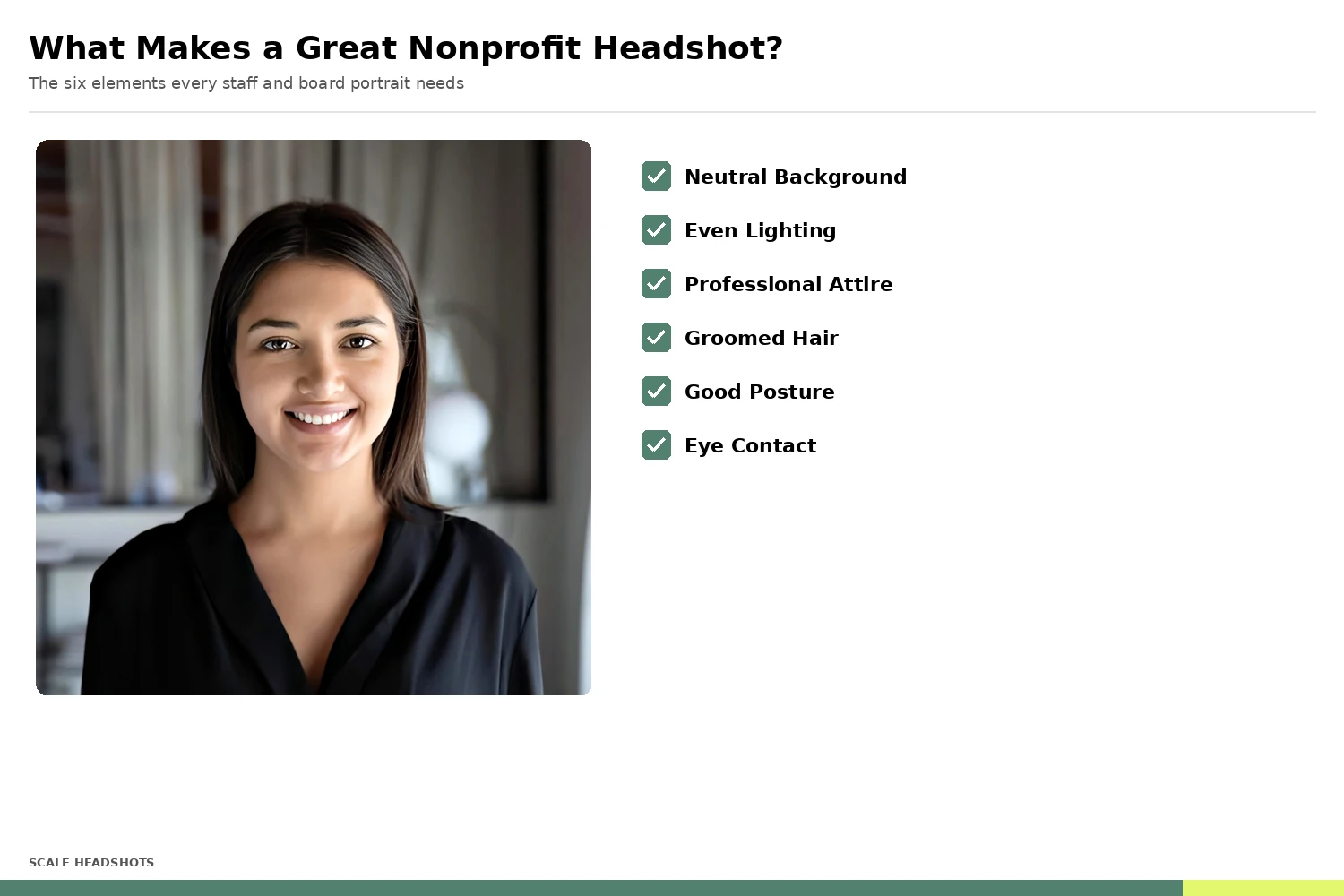
Nonprofit and association headshots have their own visual register. They need to read as professional and credible, but warmth matters more here than almost anywhere else. A finance headshot signals authority; a nonprofit headshot signals authority and approachability together. The people in the photo are the human face of a mission, and they should look like someone you'd want to talk to.
Attire. Mission-appropriate, which usually means polished but not stiff. Development and leadership staff lean toward blazers and professional layers, especially for donor- and funder-facing roles. Program and field staff can go more relaxed, a clean shirt or knit that fits the culture. Board members, often executives elsewhere, default to the professional standard they're used to. The unifying rule is consistency of quality, not uniformity of formality.
Expression. Warm and genuine. A natural smile and engaged eyes do more for a nonprofit than a severe, corporate jaw. This is a relationship-driven, trust-driven field, and the expression should invite people in.
Background. Neutral and clean, or a softly blurred environment that suits the mission. Soft gray, warm white, or a gentle office or community setting. The background should frame the person without competing for attention.
Framing. Chest-up, eyes in the top third of the frame, consistent crop across staff and board. Consistency is the multiplier: one good photo helps one person, but a uniform set across the whole organization, staff and directors alike, signals an organization that's well run and worthy of support.
Match the Style to the Nonprofit Setting

Program & Field Staff
Approachable and warm. A clean shirt or knit, natural expression. The human face of the work on the ground.
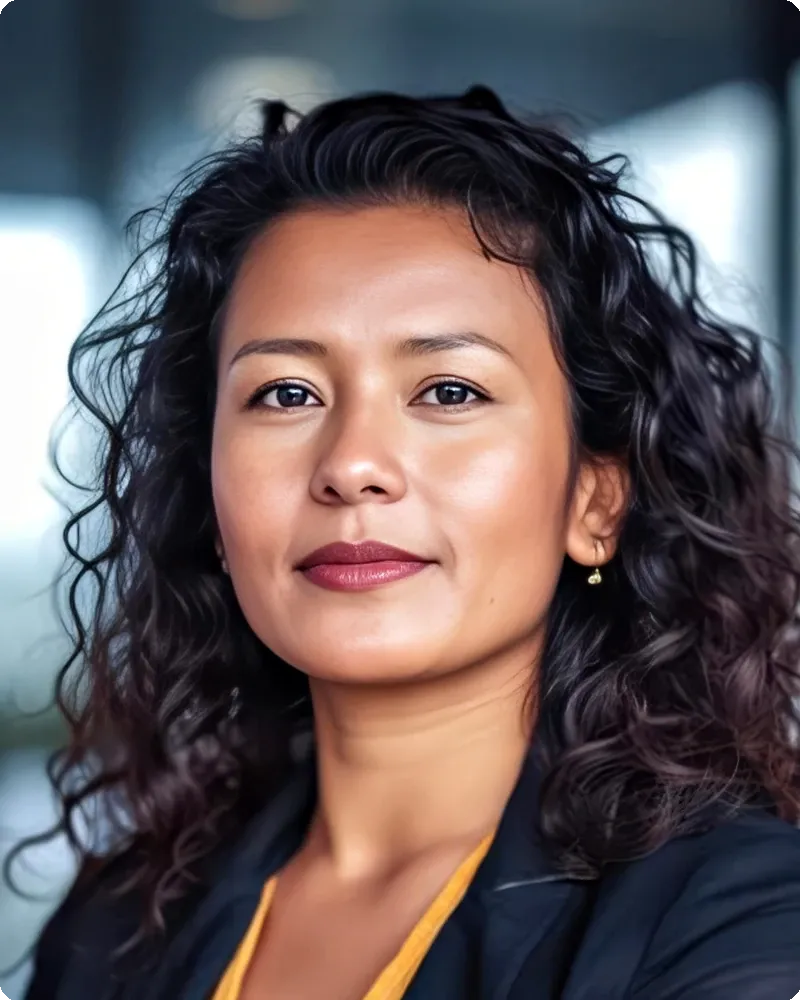
Development & Leadership
Polished professional. Blazer or layered look, confident and credible. The photos donors and funders see first.
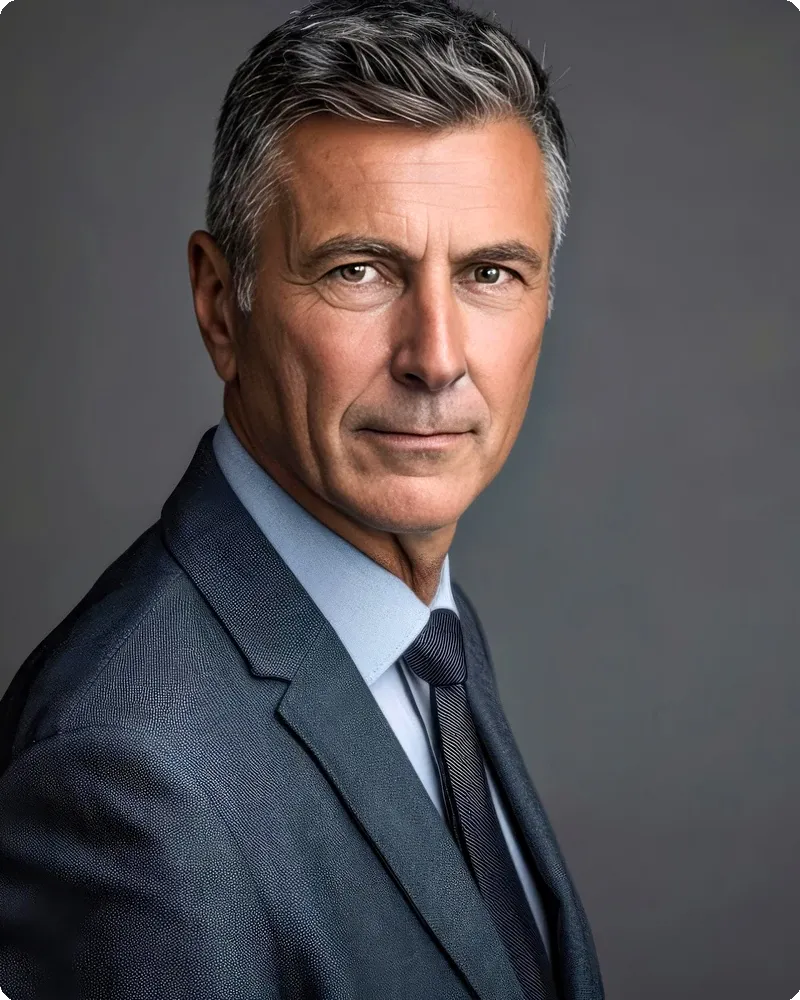
Board & Executive Volunteers
Executive standard. Professional attire, composed expression. Busy leaders who serve in their spare time and expect to look the part.

Membership & Association Staff
Consistent and member-facing. The same professional standard across every chapter and region.
What's Modern in Nonprofit Headshots in 2026
The biggest shift: organizations are standardizing headshots across staff and board together, not just the leadership page. As donor research, grant review, and member engagement move to websites, LinkedIn, and annual reports, every staff and board member's photo has become a brand surface. A uniform, current, professional set across the whole organization signals stability and good stewardship in a way no single director's portrait can.
See Real Examples
Browse real before-and-after headshots from Scale customers across industries, including the staff-and-board consistency mission-driven teams care about.
View the galleryThe Nonprofit Coordination Problem
Here's what actually makes nonprofit and association headshots hard: it's never one photo, and it's never one place. It's the whole staff plus a volunteer board, spread across offices, programs, chapters, and home setups, on a roster that turns over constantly and a budget that has to justify every line.
Turnover is a way of life in this sector. Program staff cycle, development hires arrive and move on, seasonal and grant-funded roles come and go, and AmeriCorps or fellowship positions refresh on an annual calendar. The staff page that looked complete in January is full of gaps by summer.
Boards make it harder, not easier. Directors are busy professionals who volunteer their time, scattered across the city or the country, and they rotate on and off through election cycles. Getting fifteen board members to one location on one day is nearly impossible, so board photos end up as a patchwork of whatever each person sends in. The result is a leadership page where every photo has a different background, crop, and quality level.
Then there's the money and the review. Most nonprofits can't justify a line item for a photographer, so headshots get deferred until a deadline forces the issue, and then they're rushed. When photos finally arrive as a folder of mismatched files named IMG_4127.jpg, somebody on a two-person comms team spends a week matching faces to names before the annual report or grant package can move.
Traditional photography wasn't built for this. It was built for a fixed group of people, in one place, on one day, with a budget to match. Nonprofits and associations aren't that, and the coordination cost lands on whoever owns the project, usually someone already wearing three other hats.
How to Capture Professional Headshots Without a Studio
The capture itself is the easy part. A modern phone camera, used well, produces a portrait that holds up anywhere a nonprofit headshot needs to appear, from the annual report to the grant proposal. What matters is controlling five variables, and they're simple enough to put in an email to staff and board alike.
1. Lighting
Face a large window with soft, indirect daylight. Even, directional light flatters the face without drawing attention to itself. Avoid overhead office fluorescents, which shadow the eyes, and direct sun, which harshens features.
2. Background
Stand a few feet in front of any reasonably plain surface. It doesn't need to be perfect. AI enhancement handles background cleanup and replacement, so the priority is the person, not the wall. This matters for board members and remote staff who are capturing wherever they are.
3. Camera Position
Lens at eye level, three to four feet away. Have a colleague hold the phone or use a stand. Low angles distort; arm's-length selfies do too.
4. Framing
Chest-up, modest headroom, eyes in the top third. Leave a little room around the shoulders so every crop format stays available later.
5. Coaching
Most people tense up on camera. Have them roll their shoulders, exhale, and think about why they care about the work. The natural expression lands within the first few frames once the nerves pass, and warmth is exactly what a nonprofit photo needs.
The hard part was never technique. It's getting an entire staff and a volunteer board to do this consistently, on their own schedules, and collecting the results in one organized place. That's a platform problem, not a photography problem.
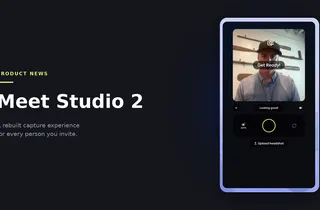
Set Up Your Studio in 10 Minutes
Admins customize the branding, headshot styles, and send invites to staff and board. Everyone captures on their own schedule. Scale handles the rest.
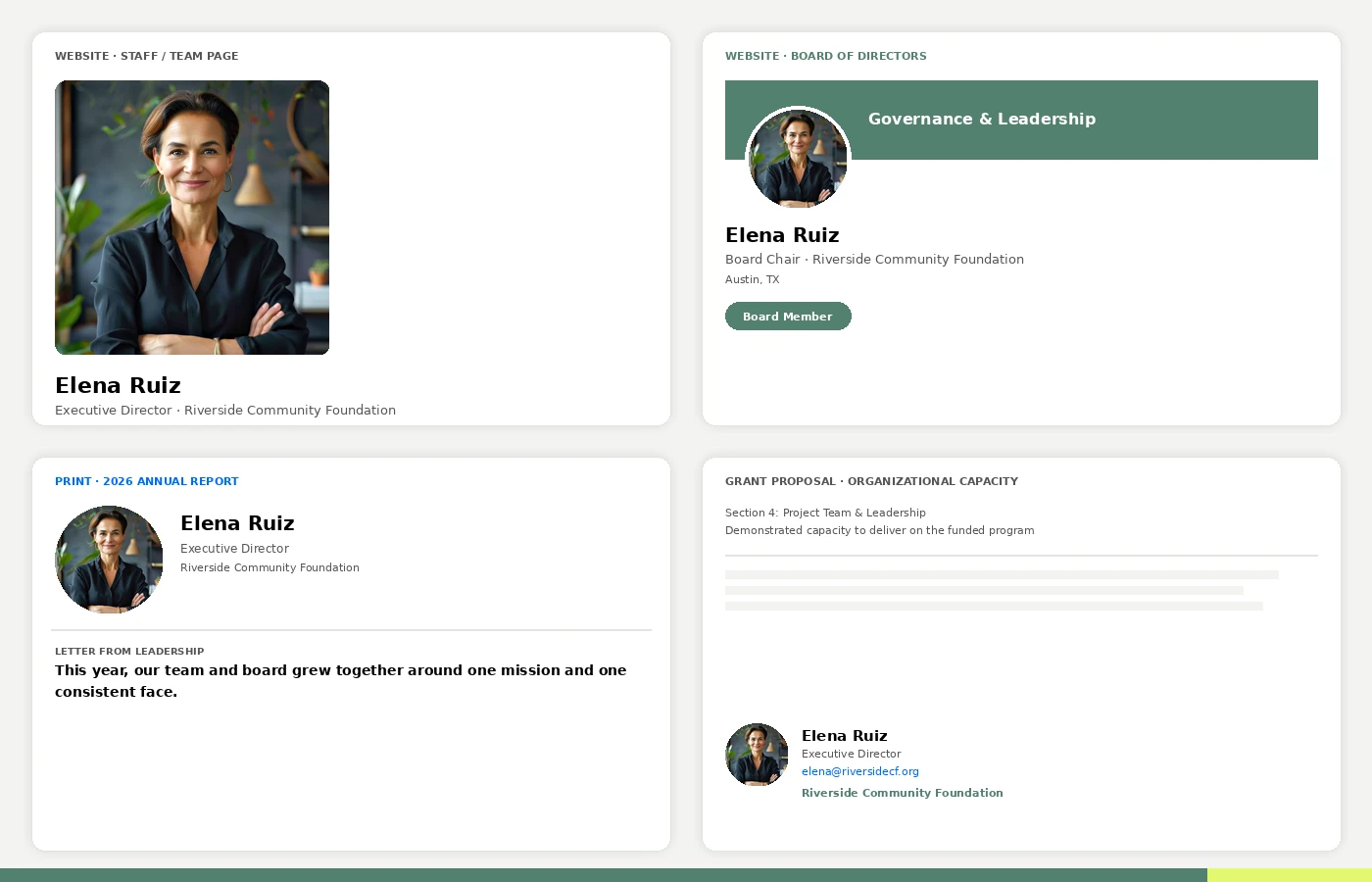
Where Nonprofit & Association Headshots Get Used
A nonprofit headshot works harder than almost any other professional photo, and it works on a budget. The same image needs to perform across every surface where a donor, funder, member, or partner evaluates the organization.
Staff and team pages. The front door for donors and partners doing their homework. A consistent set signals an organization that has its act together.
Board and leadership pages. The credibility anchor. Funders and major donors look closely at who governs the organization, and a mismatched board page undercuts the trust the rest of the site builds.
Annual reports and impact reports. The showcase document, often the single most designed thing a nonprofit produces all year. Consistent headshots make staff and board bios look intentional instead of assembled at the last minute.
Grant proposals and funder materials. Team bios and leadership profiles are part of how funders assess capacity. Professional, uniform photos quietly reinforce that the organization is a safe bet.
Member directories and association materials. For associations, member-facing staff and elected leadership appear in directories, newsletters, and event programs. A current, consistent set keeps the organization looking unified across every chapter.
Each surface needs its own crop, format, and resolution. That's the quiet operational win of getting headshots right once: one photo, every format, no photographer line item.
Why Scale
The Scale Advantage for Nonprofits & Associations
| Scale Headshots | Traditional Photography | |
|---|---|---|
| Cost per person | Starting at $25 | $100 to $250 at volume, plus setup fees, retouching, and travel |
| Capture location | Any office, program site, or home | Studio session or on-site shoot, coordinated per location |
| Scheduling | Each person captures on their own time | Getting staff and a volunteer board to one place on one day |
| New hires and board turnover | Invite on day one, matches existing standard | Wait for the next shoot, or accept a mismatched staff and board page |
| Budget fit | Free to set up, pay only for approved headshots, credits never expire | An upfront line item the board has to approve before you see results |
 Scale Headshots
What's the Real Cost of Staff-and-Board Headshots?
40 staff and board members x $100-$250 traditional = $4,000-$10,000. The same group with Scale: $1,000. 75-90% savings, and credits never expire.
How Scale Headshots Works for Nonprofits & Associations
Scale Headshots is the only self-service company headshots platform, built for exactly the coordination problem nonprofits and associations face, at a cost that fits a mission budget. Real photos from your team, AI edited, not generated. Here's the flow.
1. Set Up Your Studio
An admin (usually the communications manager, development associate, or operations lead who owns the project) creates the organization's studio and customizes the branding, headshot styles, and formatting preferences in about ten minutes. The platform is free to set up; you only pay for approved headshots, so there's nothing to justify to the board until you have results in hand.
2. Invite Staff and Board
Send invites by email with automatic reminders. Staff and board members capture on their own time, from any office, program site, or home. No scheduling, no photographer, no asking volunteer directors to give up an evening.
3. AI Enhancement
Every submission is enhanced for lighting, background, and image quality to match the organization's chosen style. The AI edits the photo, never the person. What supporters see is the real staff member or director, at professional quality.
4. Review and Approve
Admins review every headshot from one dashboard before anything goes live. Up to 5 retakes per person are included, and the approval layer fits naturally in front of comms or executive sign-off. Every file is tied to a name from the moment it's submitted, so nobody spends a week matching faces to a board roster.
5. Export Everywhere
Approved headshots export in every format the organization needs: staff and board page crops, LinkedIn dimensions, annual report resolution, print quality for grant packages and event programs. One capture covers every surface.
6. Stay Current as the Team Changes
New program hire? Board election next month? New staff and incoming directors get an invite on day one and match the existing standard exactly. The photo taken today matches the photo taken a year from now, which is the whole point. And because credits never expire, an organization can buy when the budget or grant allows and use them as people come on board.
It works the same whether you're a 10-person community nonprofit or a national association with chapters across the country, from 5 people to 50,000+. Organizations use it to level up their branding without making headshots anyone's full-time job or a budget headache.
Build Headshots Into Onboarding and Org Systems
Scale's bidirectional REST API with webhooks keeps staff and board portraits current across the systems your organization already runs. HRIS, membership platforms, directories, CRM.
- Push approved headshots to the organization website and board page on approval.
- Sync to HRIS and onboarding flows so day-one staff are photo-ready.
- Update member directories and association management systems automatically.
- API access for custom workflows, event programs, and CRM integrations.

Get Consistent Headshots Across Your Whole Organization
Free to set up. Your staff and board capture from anywhere, AI enhancement keeps every photo on-brand, and you only pay for the headshots you approve. More affordably, more quickly, and more painlessly than ever before.
Headshots for your company size
Distributed staff and boards
Team headshots for founders and distributed teams, brand-consistent at any size.
Team HeadshotsSmaller nonprofits and chapters
Self-service company headshots for smaller teams, captured from any device.
Small Business HeadshotsNonprofit & Association Headshot FAQ
How much do nonprofit headshots cost?
Traditional nonprofit and association headshot sessions cost $100 to $250 per person at volume, before setup fees, retouching, and travel add-ons. Pro-bono photography is sometimes available but inconsistent and hard to coordinate across staff and boards. Scale Headshots starts at $25 per approved headshot with volume pricing for larger organizations, and the platform itself is free to set up.
Can staff and board members really take their own headshots with a phone?
Yes. A modern phone camera captures more than enough detail for professional results. Each person follows guided capture steps (window light, plain background, chest-up framing), and AI enhancement brings every photo to a uniform, professional standard. This is what makes board members possible to coordinate at all, since they can capture from wherever they are. The platform includes up to 5 retakes per person.
How do we get consistent board photos when directors are spread out and busy?
Consistency comes from the platform, not the location. Every director captures with the same guided flow on their own schedule, and AI enhancement applies the same lighting, background, and style standards to every photo. A board member in one city and a staff lead in another end up matching exactly, with no one giving up an evening for a group shoot.
Is pro-bono photography a better option for a nonprofit on a tight budget?
Pro-bono can work for a one-time, single-location need, but it's unpredictable to schedule, rarely covers a distributed staff or volunteer board, and the photographer often reuses the images in their own marketing. Scale Headshots is built for the ongoing, distributed reality: free to set up, $25 per approved headshot, and credits that never expire so you can buy as the budget allows.
Can our comms or leadership team review photos before they go live?
Yes. Admins review and approve every headshot from one dashboard before anything is published or exported. Every submission is tied to a verified name and email, which makes downstream comms or executive sign-off faster instead of slower.
What happens when we hire new staff or elect new board members?
New team members and incoming directors get an invite and capture on day one. Because enhancement applies the organization's existing style standard, a photo taken today matches photos taken a year ago. Headshots stop being a project you redo every annual-report season and become part of onboarding.
We have an annual report or grant deadline. How fast can everyone get headshots?
Most teams complete capture within days of sending invites, since nobody waits on a photographer's calendar. Enhanced headshots are typically ready for review shortly after each submission, so a staff-and-board refresh that used to take a quarter compresses into a week or two, in time for the report or proposal.
What formats do we get for staff pages, annual reports, and grant materials?
Every approved headshot exports in multiple crops and resolutions: web formats for staff and board pages, LinkedIn dimensions, print-quality files for annual reports and grant packages, and sizes for newsletters and event programs. One photo, every format.
Is this an AI headshot generator?
No. Scale Headshots is AI edited, not generated. Every photo starts as a real capture of the actual person; AI improves lighting, background, and image quality but never fabricates a face, body, or clothing. For a mission built on trust, that authenticity is the point.
How does pricing work for a nonprofit budget?
The platform is free to set up, and you only pay for the headshots you approve, starting at $25 each and decreasing at volume. Credits never expire, so an organization can buy when a grant or budget cycle allows and use them as staff and board members come on. For larger organizations and associations, contact us for a volume quote.
Still have questions? Get in touch and we'll be happy to help!